Best PS5 Accessories for a Better Gaming Setup
Useful upgrades for controllers, charging, audio, storage, customization and entertainment—organized around the problems they solve, not just a product list.
Quick answer
The right PS5 accessory depends on what you want to improve. A second DualSense is useful for local multiplayer, a charging station can keep multiple controllers ready, a compatible headset can improve gaming audio and voice chat, and additional storage can help if your game library is growing. You do not need every accessory on this list—start with the one that solves your biggest problem.
| Accessory | Best for | Key consideration |
|---|---|---|
| Rysker PS5 Cooling & Charging Station | Setup organization | Check exact PS5 model compatibility |
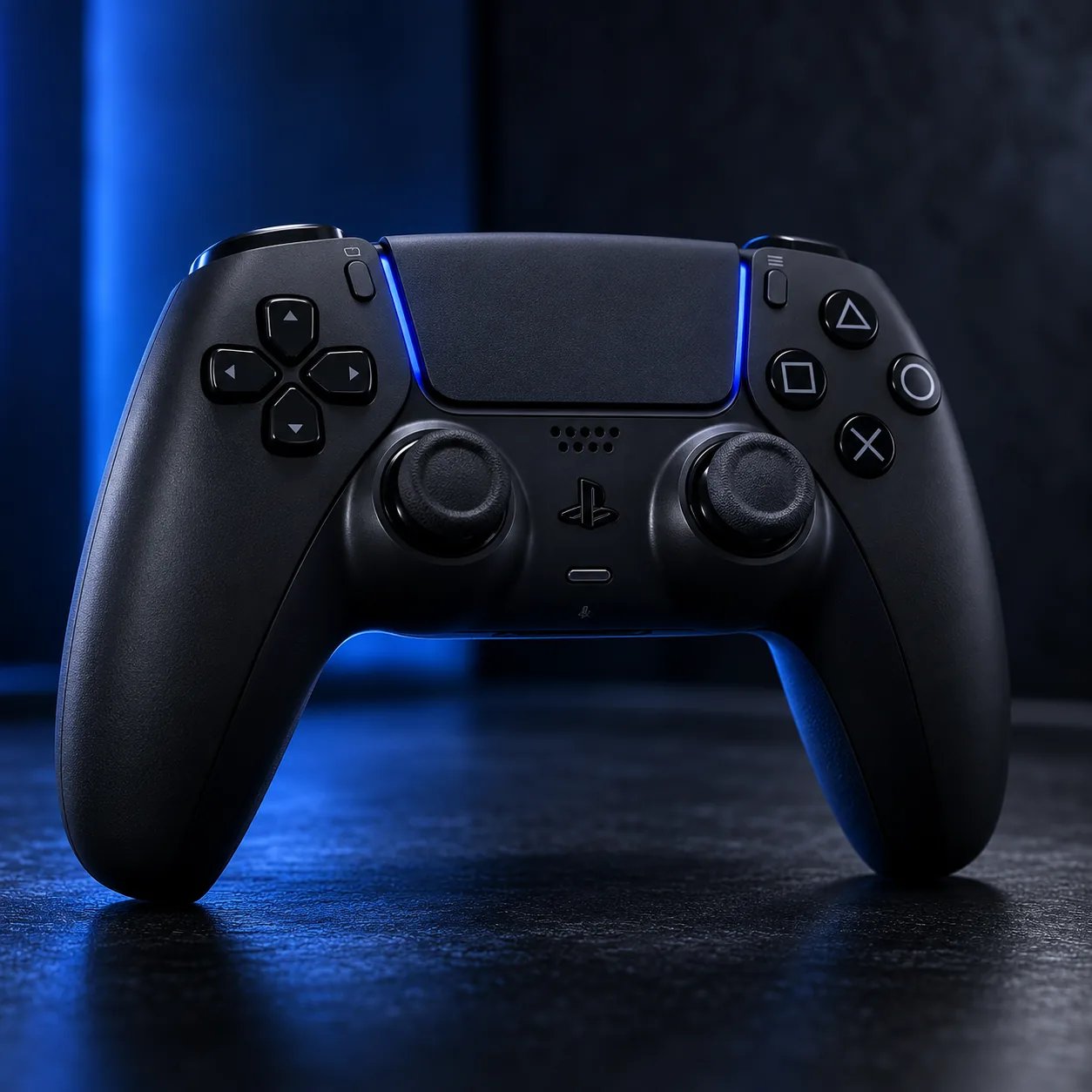
| DualSense Wireless Controller — Midnight Black | Second controller | Useful for multiplayer or backup |
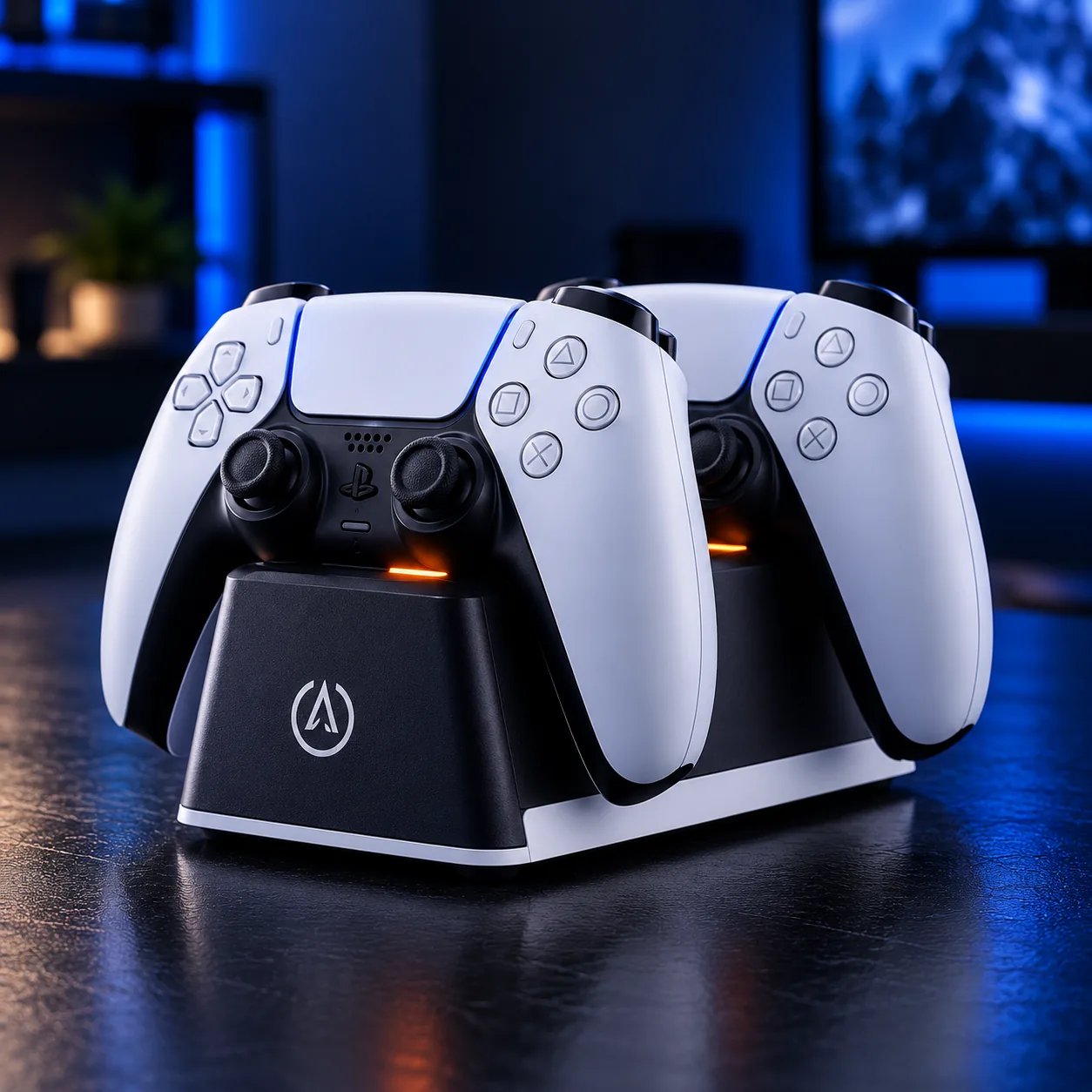
| PowerA Twin Charging Station | Controller charging | Designed around compatible DualSense controllers |
| DualSense Wireless Controller — Techno Red | Second controller + style | Same DualSense feature set |
| AOC 2.4GHz Wireless Gaming Headset | Wireless audio | Verify connection and PS5 compatibility |
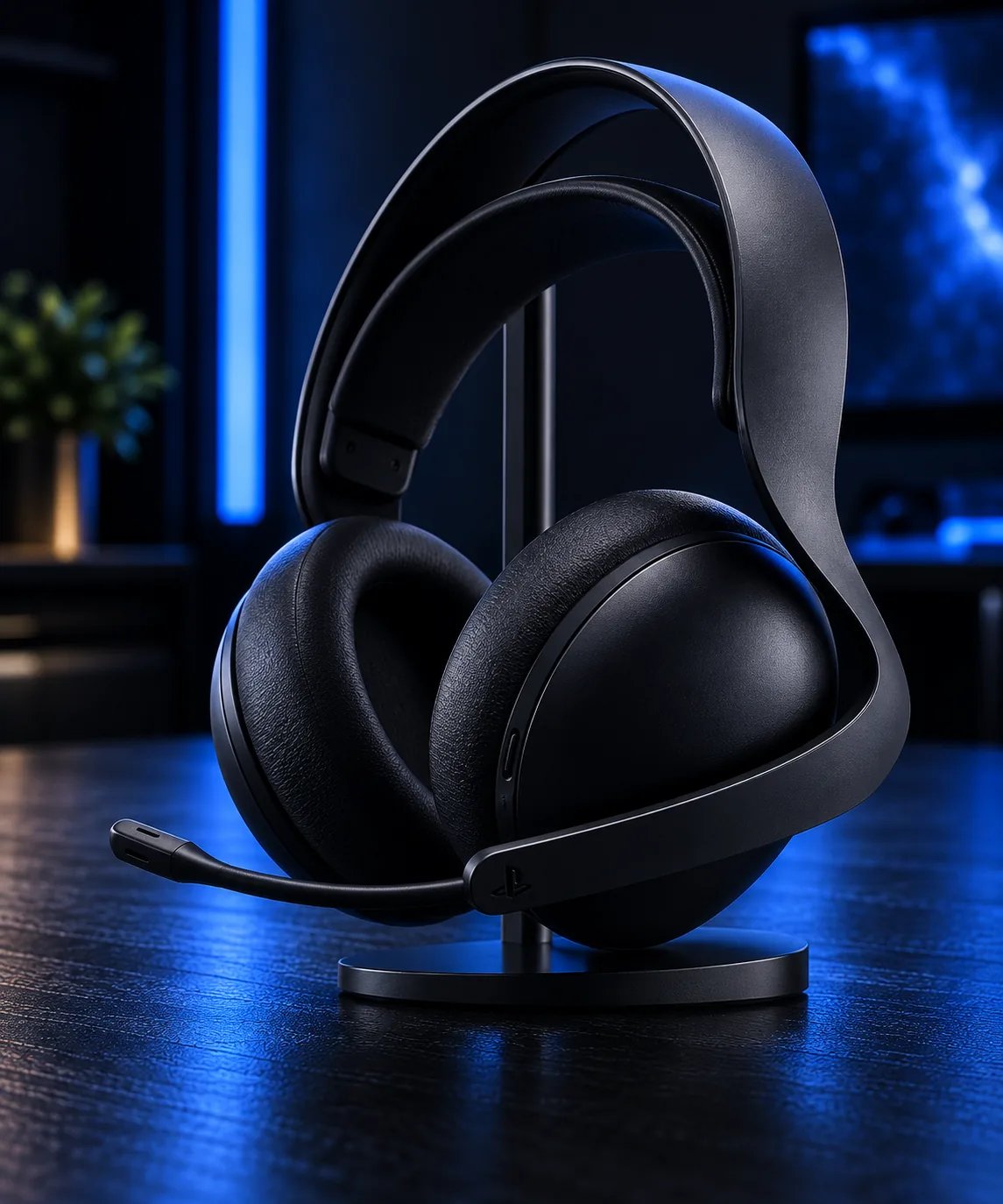
| PULSE Elite Wireless Headset | PlayStation-focused audio | Premium option with PlayStation Link |
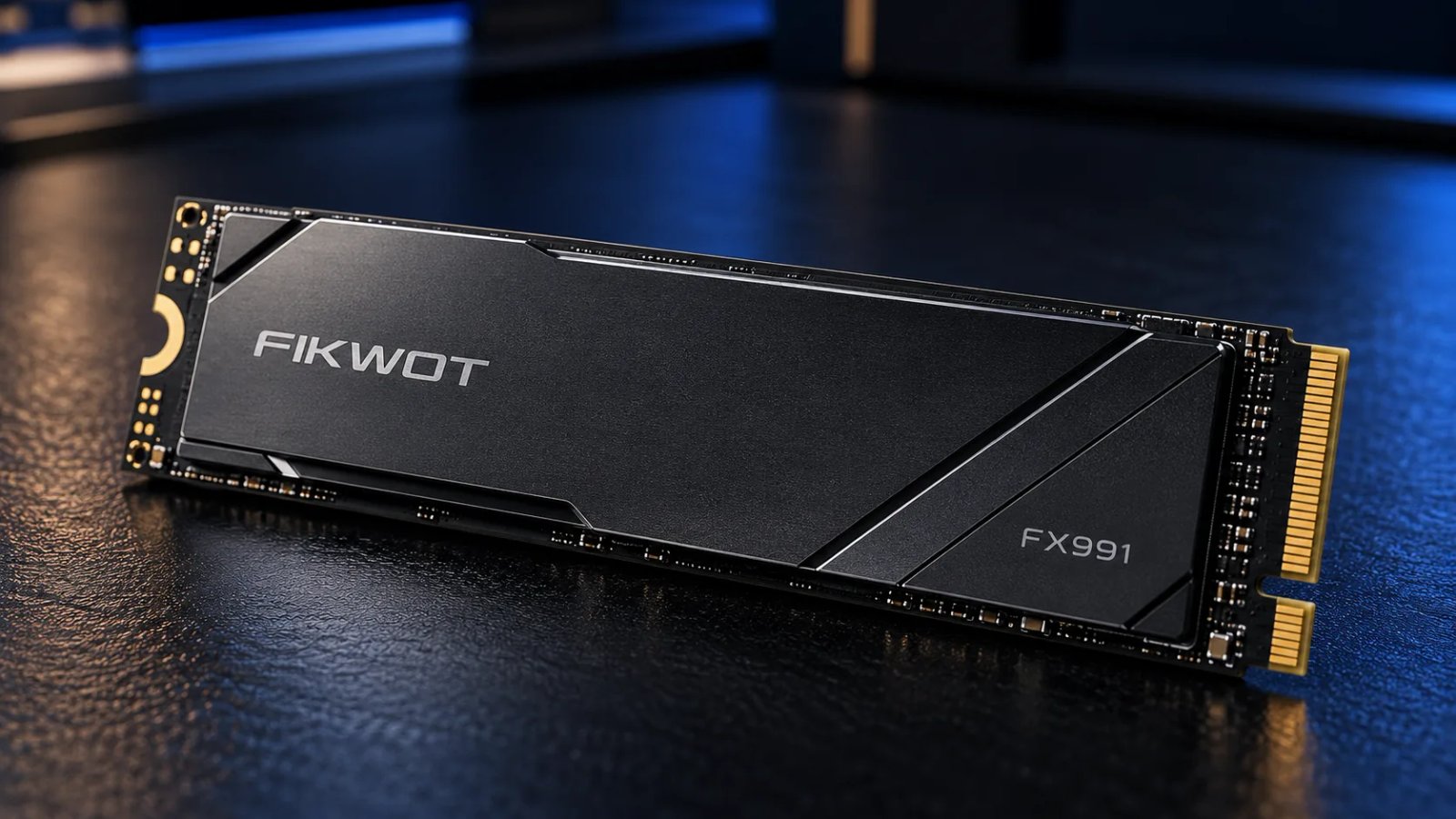
| Fikwot FX991 1TB NVMe SSD | More game storage | Verify current PS5 SSD requirements |
| Darno Anti-Slip Controller Skin | Grip + customization | Changes controller feel |
| PlayVital Silicone Skin Set | Protection + style | Check controller/dock compatibility |
| NUBWO Wireless Gaming Headset | Wireless gaming audio | Check current listing specifications |
| NEWDERY Cooling Fan | Original PS5 setup | Not for PS5 Slim or PS5 Pro |
| PlayStation Media Remote | Streaming + entertainment | Best if PS5 is also a media hub |
Our picks
Choose by the problem you want to solve
Need a second controller?
A second DualSense is the straightforward upgrade for local multiplayer, guests or simply having a spare controller available while another one charges. The DualSense includes features such as haptic feedback and adaptive triggers in supported games.
Check DualSense Midnight Black
Want easier controller charging?
If you regularly use two controllers, a dedicated charging station can keep them organized and ready. The PowerA Twin Charging Station is aimed specifically at charging compatible DualSense controllers.
Check PowerA Twin Charging Station
Want wireless gaming audio?
A wireless headset can reduce cable clutter and provide an integrated microphone for multiplayer and voice chat. Check the exact connection method and PS5 compatibility on the live listing before purchasing.
For a PlayStation-focused option, the PULSE Elite uses PlayStation Link and supports simultaneous PlayStation Link and Bluetooth connections. Sony lists up to 30 hours of battery life for the headset.
Running out of storage?
An additional compatible M.2 SSD can be useful when your game library starts consuming your available storage. Do not buy an SSD based only on a marketplace title—verify the drive's dimensions, interface, capacity and current PS5 compatibility requirements first.
Use the MusidGaming PS5 Storage Calculator to estimate how much capacity your library may need.
Want better grip or a different look?
Controller skins are a lower-cost way to change the feel and appearance of a DualSense. The Darno and PlayVital options in this guide focus on silicone coverage, grip and customization.
Use your PS5 for streaming?
A dedicated media remote can be more convenient than using a game controller for navigating entertainment apps. It makes the most sense for a PS5 that doubles as a living-room media device.
Check PlayStation Media Remote
What we would prioritize
- Multiplayer: Start with a second DualSense.
- Two-controller households: Consider a twin charging station.
- Competitive or social gaming: Consider a suitable wireless headset.
- Large game library: Investigate a compatible M.2 SSD.
- Comfort and personalization: Consider a controller skin or grip accessory.
- Streaming: Consider the Media Remote.
Compatibility matters
PS5 accessories are not automatically universal across every console revision. Before buying a cooling accessory, stand, charging product or SSD, compare the listing with your exact console model. This is particularly important for products advertised specifically for the original PS5.
The NEWDERY cooling fan in this guide is listed for the original PS5 and should not be presented as a universal PS5 Slim or PS5 Pro accessory.
FAQ
What are the most useful PS5 accessories?
It depends on your setup. A second controller, charging solution, headset and additional storage address some of the most common needs, while a Media Remote is more useful if you also use the PS5 for streaming and entertainment.
Do I need PS5 accessories?
No. The PS5 works without any of these upgrades. Accessories are most useful when they solve a specific problem such as charging, storage, audio or convenience.
Is a PS5 charging station worth it?
It can be worthwhile if you regularly use multiple controllers and want a dedicated charging location. Check compatibility with your exact controllers and console setup.
Should I buy a PS5 SSD?
If storage is becoming a limitation, an additional compatible M.2 SSD can be useful. Verify the current PS5 requirements and the exact drive specifications before purchasing.
Are PS5 cooling accessories necessary?
They are not automatically necessary. Keep the console in a properly ventilated position and follow PlayStation care and placement guidance. If you consider an aftermarket cooling product, verify its compatibility with your exact PS5 model.