Gaming Desk Setup Guide: Layout, Lighting, and Cable Management
A good desk setup is not about buying more gear — it is about zones. Put each thing where your body expects it, light the room instead of the screen, and get cables off the floor. Comfort follows.
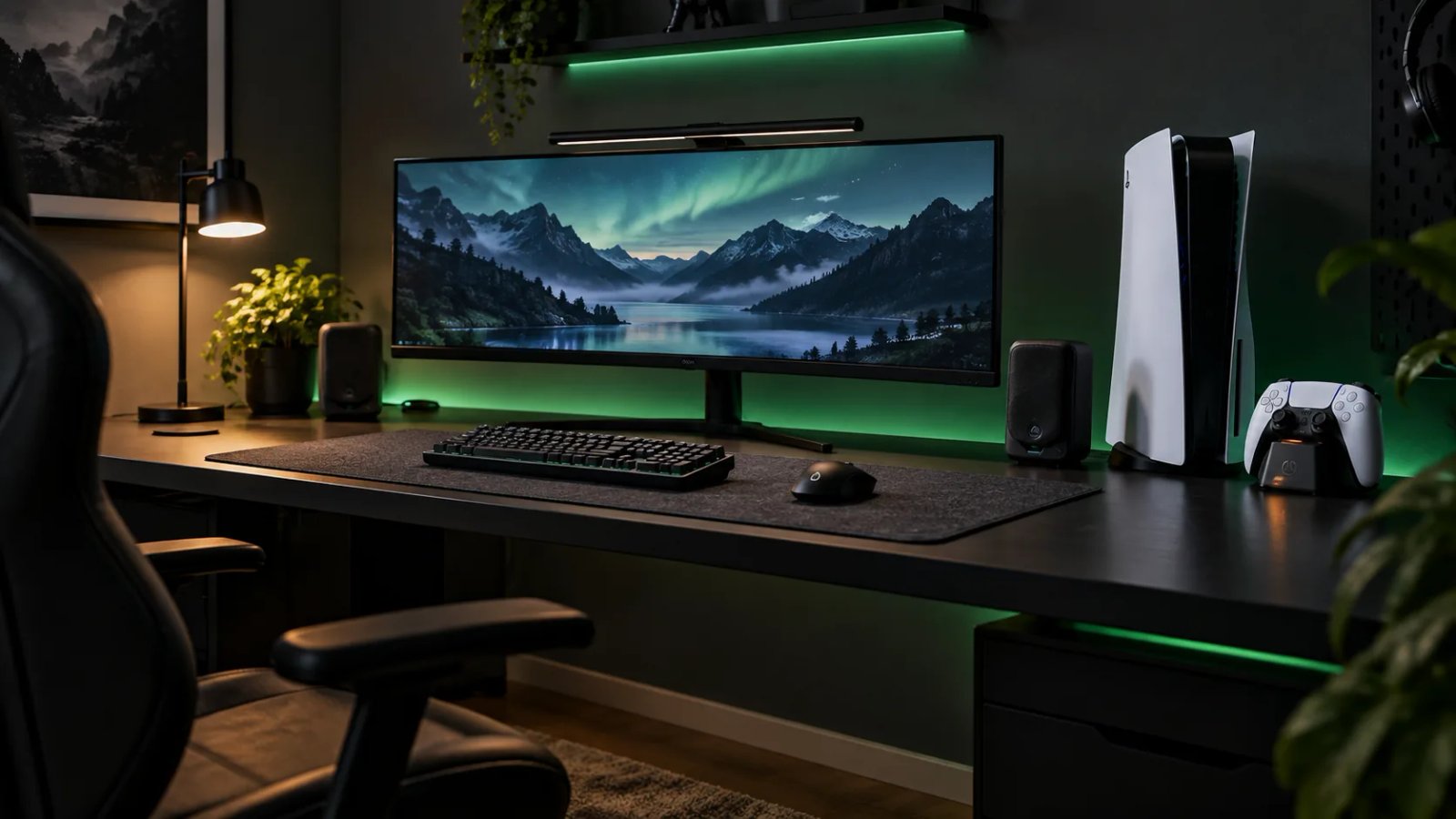
Quick answer
Divide the desk into three zones: the screen zone (monitor or TV at eye level, about an arm's length away), the input zone (keyboard and mouse or controller, with elbows relaxed), and the everything-else zone (headset stand, charging, and accessories, off to the side). Light the room behind or beside the screen rather than staring into a dark room with a bright display. Route cables once, properly, and you will stop thinking about them.
| Zone | Rule | Common mistake |
|---|---|---|
| Screen | Top third at eye level, arm's length away | Screen too low, neck bent down for hours |
| Input | Elbows relaxed, wrists straight | Keyboard too high, shoulders hunched |
| Everything else | Off to the side, within reach | Clutter in front of the screen |
Monitor placement: the highest-impact change
Most desk pain comes from screen height, not the chair. Raise the monitor so the top third of the screen sits at eye level — a monitor arm or a simple stand does this better than stacking books. Sit about an arm's length away; closer strains the eyes, farther makes you lean in. If you play on a TV from a desk, the same rule applies: eye level first, distance second. Use our monitor size calculator to check what fits your desk before buying a bigger display.
Lighting: light the room, not your face
- Bias lighting: a soft light behind the monitor reduces the contrast between a bright screen and a dark room, which is what tires eyes during long sessions.
- Warm over harsh: warm desk-lamp light beats a bare overhead bulb for evening play.
- RGB as accent, not floodlight: colored strips look best as a glow behind the desk or under a shelf, not shining into your eyes.
- Daylight: if your desk faces a window, angle the screen to avoid glare rather than fighting reflections all day.
Cable management in one pass
- Route before you plug in: decide where each cable runs, then connect — not the other way around.
- Bundle by destination: power together, video together, peripherals together, so one change does not mean untangling everything.
- Give slack at moving points: monitor arms and controller cables need slack or they will tug and fail.
- Label the power strip: five identical black bricks are a mystery in six months. A strip of tape now saves a guessing game later.
Small rooms: the same rules, tighter
A small desk does not need a smaller setup — it needs stricter zones. A wall-mounted shelf takes accessories off the desk surface. A headset stand with charging keeps two jobs in one footprint. A compact keyboard frees mouse room, which matters more than a number pad most players never touch. See our setup ideas for small-room layouts that keep the same three zones.
Desk gear in our catalog
FAQ
How far should I sit from my monitor?
About an arm's length is the usual starting point. Larger screens need more distance — check the monitor size calculator for your desk depth and screen size.
Is a monitor arm worth it?
Yes if your screen height is wrong and your stand cannot fix it. It also frees desk space underneath, which is the cheapest desk upgrade after cable management.
Do I need RGB lighting?
No — lighting matters for eye comfort, not for performance. A simple warm lamp behind the monitor does more for long sessions than any RGB strip.