PC Gaming Starter Setup: What You Actually Need First
Starting PC gaming feels like a shopping list with no end. It is not. Buy in this order — mouse, keyboard, audio, monitor, storage — and skip everything else until you know what kind of player you are.
Quick answer
Buy in this order: (1) a mouse that fits your hand and grip, (2) a keyboard you enjoy typing and playing on, (3) a headset with a mic you can stand to wear for hours, (4) a monitor that matches your PC's actual performance, (5) storage when your library outgrows your drive. Everything else — stream decks, capture cards, fancy lighting, premium chairs — waits until you have played enough to know you want it.
| Order | Buy | Why first |
|---|---|---|
| 1 | Mouse | Directly affects aim and comfort every second |
| 2 | Keyboard | You touch it as much as the mouse |
| 3 | Headset | Audio cues + voice chat in every multiplayer game |
| 4 | Monitor | Must match what your PC can actually render |
| 5 | Storage | Only when you run out of space |
1. Mouse: fit first, specs second
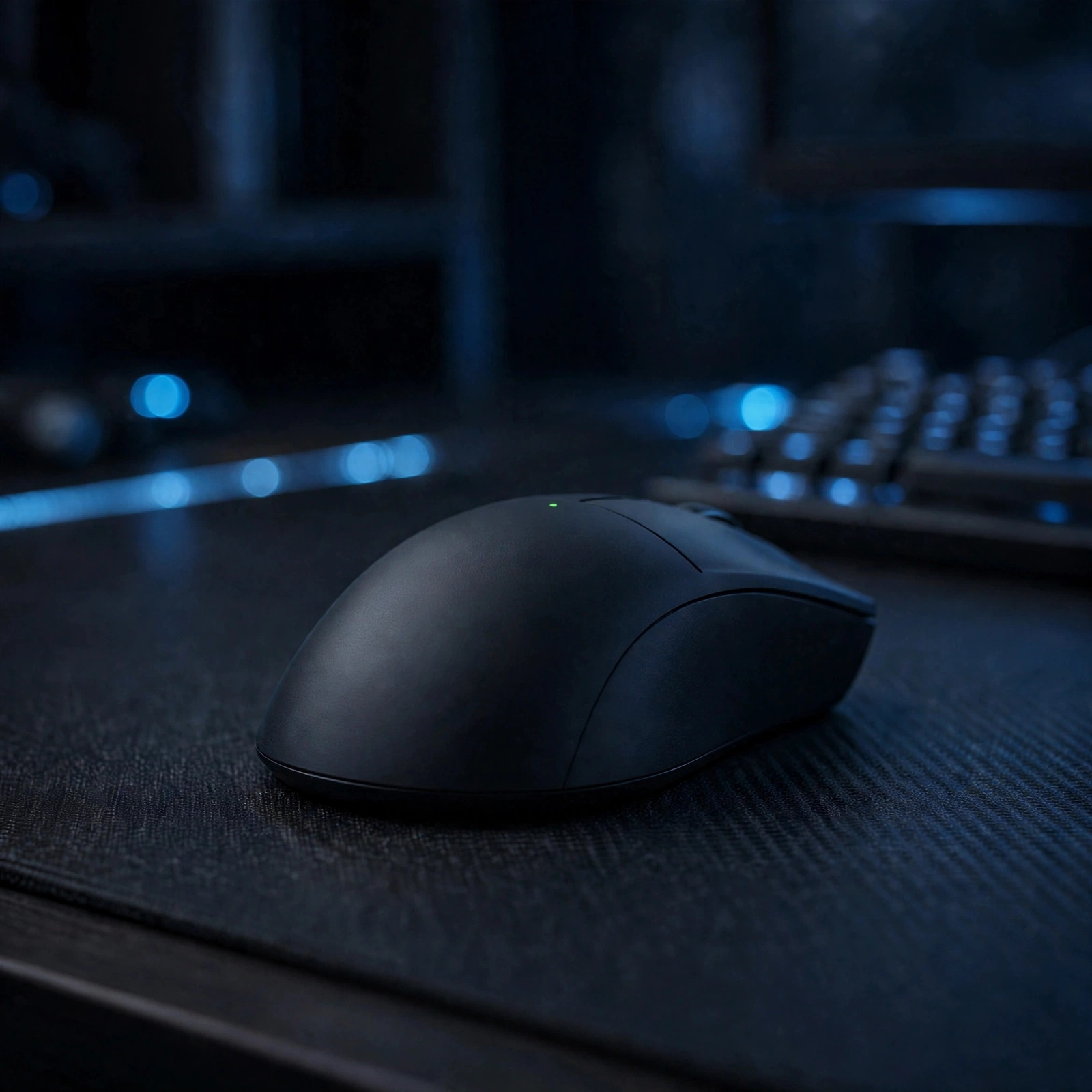
Sensor numbers sell mice; hand fit keeps them. A light wireless mouse with a shape that matches your grip — palm, claw, or fingertip — beats a heavier mouse with a bigger spec sheet. Weight matters more than most buyers expect: a sub-70g mouse changes flick shots and long sessions. Battery life is the other real-world spec — a mouse that dies mid-match is worse than a slightly slower sensor. Check our DPI calculator to translate sensitivity between games once you have a mouse you like.
2. Keyboard: switches you enjoy
Keyboards are personal in a way spec sheets hide. Low-profile wireless boards suit clean desks and shared rooms; full-size mechanical boards suit players who want macros and a number pad. Try to feel the switch type before buying if you can — linear (smooth), tactile (bump), and clicky (bump + sound) genuinely feel different, and the wrong one annoys you daily. Tenkeyless layouts free mouse room on small desks.
3. Headset: comfort is the spec
Every modern gaming headset sounds good enough for a starter. What differs is comfort over three hours, mic clarity for teammates, and battery life for wireless models. A headset with a detachable mic doubles as everyday headphones. Wireless range and battery life matter more than surround-sound branding — and a headset you take off after an hour because it hurts is a bad purchase at any price.
4. Monitor: match your PC, not your dreams
A 240Hz monitor on a PC that renders 70fps buys nothing. Match refresh rate to the frame rates your PC actually reaches in the games you play, then consider resolution: 1080p for competitive play and modest PCs, 1440p as the sweet spot for mid-range builds. Size follows desk depth — use our monitor size calculator before ordering.
5. Storage: buy it when you need it
Modern games are huge, but storage is the easiest upgrade to postpone: buy a fast NVMe drive when your library actually fills your current drive, not before. A 2TB Gen 4 drive with a heatsink covers both PC and PS5 expansion later, which makes it a flexible buy when the time comes.
What to skip (for now)
- Stream deck / capture card: only if you are actually streaming. See our streaming starter guide when that day comes.
- Premium chairs and lighting: comfort matters, but a good chair is furniture shopping, not gaming gear — and lighting never improves gameplay.
- Second monitor: nice for multitasking, useless for gaming itself. Add it later if you stream or work at the same desk.
Starter gear in our catalog
FAQ
Should my first mouse be wired or wireless?
Wireless, from a reputable gaming brand — modern wireless is effectively lag-free for most players, and no cable drag is a real comfort win. Keep the cable handy for charging between sessions.
Is a mechanical keyboard required for PC gaming?
No. Membrane keyboards play games fine. Mechanical boards feel better and last longer, which is why they are the usual first upgrade — but they are not a requirement.
How much storage do I need to start?
Whatever your PC already has, until it fills up. When it does, a 2TB NVMe drive is the sweet spot for most libraries — see our storage guidance in the PS5 storage guide for how drive specs work.