Streaming Starter Setup: Capture Card, Deck, Mic, and First Streams
You do not need a studio to start streaming — you need three things that work together: a way to capture the game, a way to control the stream without alt-tabbing, and a mic people can stand to listen to.
Quick answer
Console streamers need a capture card: it takes the console's HDMI output and feeds it to a PC running broadcast software. PC streamers can often start without one, using software capture instead. Everyone benefits from a stream deck (one-tap scene switches, mute, and clips) and a headset mic that does not pick up the whole room. Start with free broadcast software, one scene, and short streams — gear upgrades come after you know you enjoy it.
| Piece | What it does | Who needs it first |
|---|---|---|
| Capture card | Console HDMI → PC stream | Console streamers (required) |
| Stream deck | One-tap scenes, mute, clips | Anyone streaming regularly |
| Headset mic | Voice without room noise | Everyone |
| Broadcast software | Scenes, overlays, going live | Everyone (free options exist) |
Capture card: the console streamer's first buy
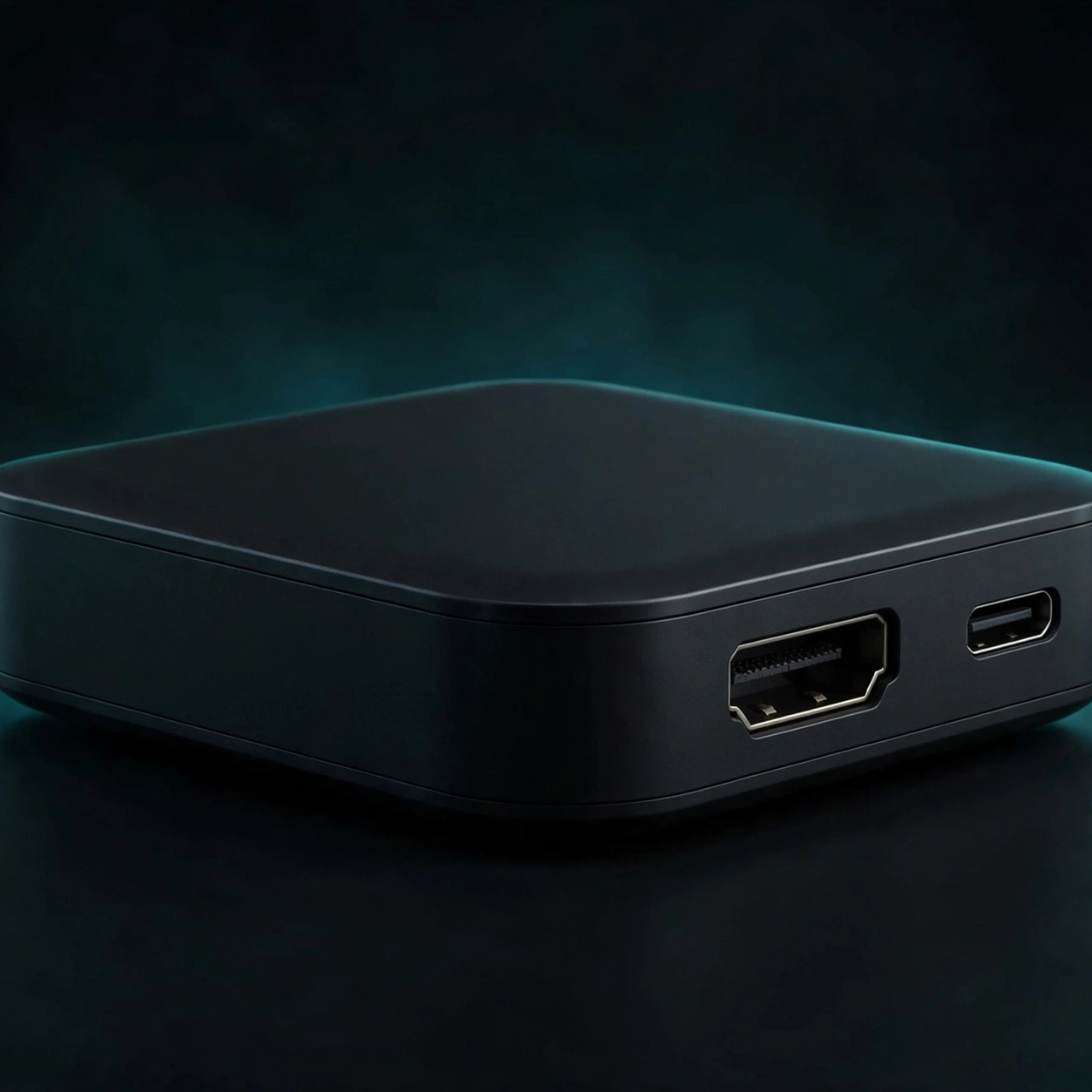
A capture card sits between your console and your PC: console HDMI goes in, a USB connection carries the video to broadcast software, and a passthrough sends the game to your TV untouched — so you play normally while the PC records or streams. For a starter card, the numbers that matter are capture resolution (1080p60 covers most streams), passthrough (4K60 HDR keeps your TV experience intact), and VRR support (no tearing on passthrough). HDR capture is a bonus, and on some cards it is Windows-only — check before buying if you stream from a Mac.
Stream deck: small box, big workflow win
A stream deck is a grid of customizable buttons that trigger actions in your broadcast software: switch scenes, mute the mic, play a sound, save a clip. Without one, every one of those actions means alt-tabbing out of the game. With one, they are muscle memory. The compact Mini size is enough for starters — six buttons cover scene switching, mute, and clips, and you can expand later if streaming sticks.
Mic: the upgrade viewers notice first
Viewers forgive average video faster than bad audio. A headset with a detachable, noise-cancelling mic is the starter sweet spot: it sounds clearly better than a laptop or controller mic, costs far less than a studio mic setup, and needs no extra gear. Position matters as much as the mic itself — keep it close, off to the side of your mouth, and away from fans and keyboards.
First-stream checklist
- One scene: game + webcam (optional) + a simple overlay. Skip animated alerts until stream three or four.
- Test recording first: record five minutes, watch it back, and fix audio levels before going live.
- Audio levels: game audible under your voice, voice clearly on top, nothing clipping into distortion.
- Internet: a wired connection beats Wi-Fi for stream stability. Check your upload speed before your first live session.
- Short first streams: an hour is plenty. Streaming stamina is a skill you build, not a setting you buy.
Streaming gear in our catalog
FAQ
Do PC streamers need a capture card?
Usually no — PC gameplay can be captured in software on the same machine. A capture card becomes useful for a two-PC setup or for capturing a console.
Can I stream directly from a PS5 without a PC?
PS5 has built-in broadcasting, but a PC + capture card setup gives you overlays, scenes, alerts, and recording control that built-in streaming does not. Start built-in if you are unsure; upgrade when you want production control.
What internet speed do I need to stream?
It depends on resolution and bitrate, but a stable wired upload connection matters more than headline download speed. Test with a private recording first, then go live.