PS5 Controller Charging Guide: Docks, Stands, and Battery Care
A dead controller mid-match is the most avoidable problem in gaming. Pick one charging home for your pads, keep a spare charged, and stop thinking about battery entirely.
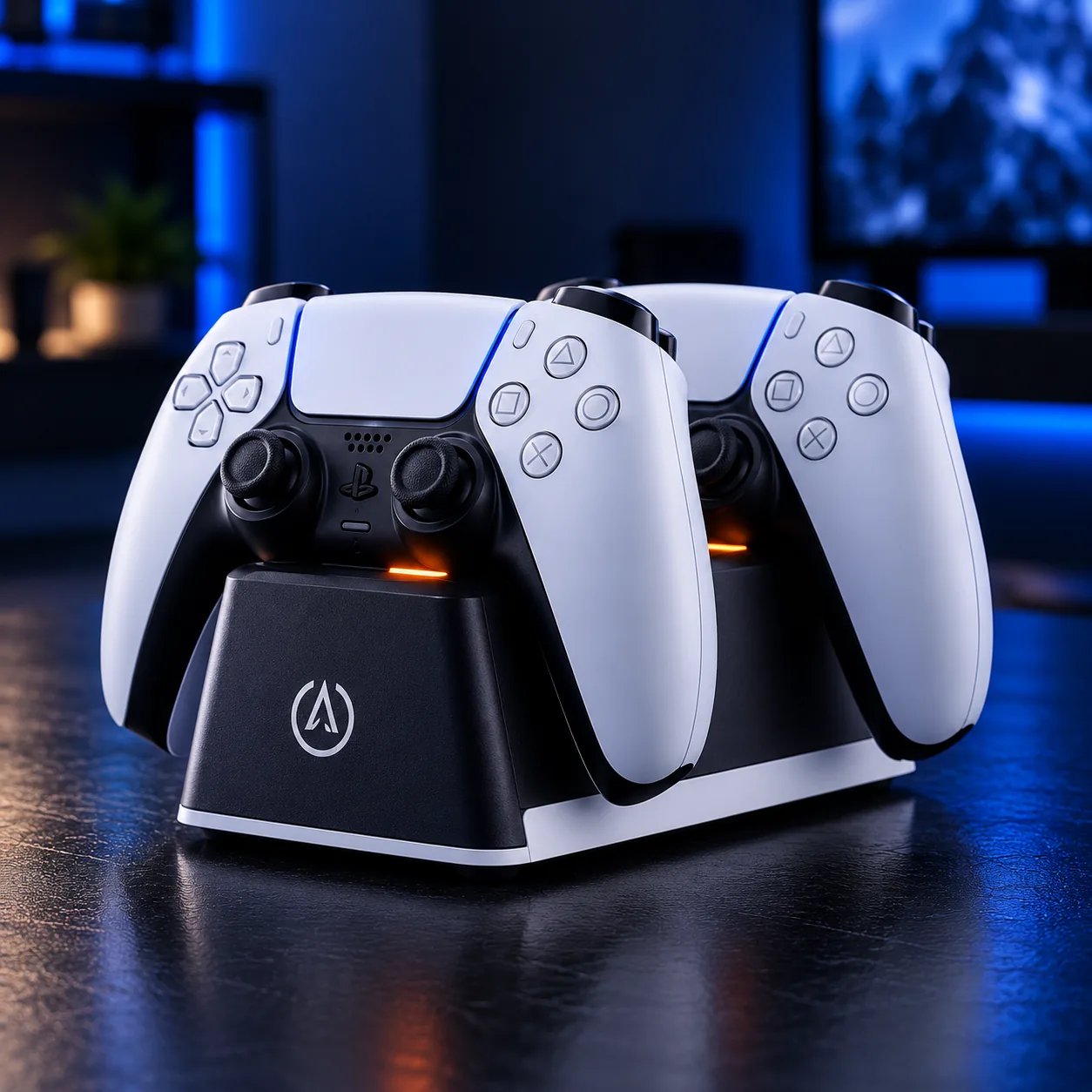
Quick answer
One controller: charge over USB-C between sessions and you are fine. Two controllers: a twin charging dock is the answer — both pads charge in one place, always ready, no cables to hunt. A household with a console station: an all-in-one station that holds the console and charges controllers tidies everything at once. A headset too: a stand with charging keeps the headset and a controller in the same spot.
| Setup | Best charging home | Why |
|---|---|---|
| One controller | USB-C cable | Free, no extra gear needed |
| Two controllers | Twin charging dock | Both always charged, one place |
| Console station | All-in-one station | Console + charging + organization |
| Headset + controller | Charging stand | One spot for both |
Twin docks: the two-controller answer
A twin dock holds two DualSense controllers on charging contacts, so docking becomes the habit: finish playing, set the pad down, it charges. No cables, no wondering which controller is charged. Officially licensed docks match the controller shape exactly; third-party docks vary, so check the listing for your exact controller model and whether a skin or grip interferes with seating — thick skins are the usual reason a controller looks docked but is not charging.
All-in-one stations: charging as part of the station
An all-in-one station combines a console stand with controller charging (and often lighting). It is the right buy when the goal is a tidy station, not just charged pads: the console sits organized, controllers live in one place, and cables run to one power point. If charging is your only problem, a twin dock does the same job for less — buy the station for the organization, not the charging alone.
Charging stands: headset included
A headset stand with controller charging solves two storage problems at once: the headset hangs where you can grab it, and a controller charges at its base. It suits desks where the headset otherwise lives on the floor or draped over the monitor. Check the stand's charging connection matches your controller before buying — not every stand charges every pad.
Battery habits that actually help
- Dock after every session: the habit matters more than the hardware. A dock you use beats a dock you own.
- Keep a spare charged: two controllers, one always charging, means battery never ends a session.
- Avoid heat: charging on top of a hot console or in direct sun ages batteries faster.
- Do not deep-discharge on purpose: modern controller batteries do not need full drain cycles — partial top-ups are fine.
- Check the seat: if a docked controller is not charging, check skin thickness and contact alignment before assuming the dock is broken.
Charging gear in our catalog
FAQ
Can I play while the controller charges?
Yes — a USB-C cable charges while you play. Docks charge between sessions; they are not for mid-game top-ups unless the dock design allows it.
Does leaving a controller on the dock damage the battery?
Modern controllers and docks manage charging and stop at full — leaving a pad docked between sessions is normal use. Heat is the bigger enemy, not the dock.
Will a skin stop my controller charging on a dock?
It can, if the skin is thick around the charging contacts. If a docked controller is not charging, remove the skin and test before replacing the dock.