PS5 Controller Guide 2026: DualSense, DualSense Edge, and Third-Party Pads
The controller is the one accessory you touch every second you play. Here is how to pick between the standard DualSense, the pro-level Edge, and a customized pad — and when a second controller is actually worth it.
Quick answer
Start with the standard DualSense. It has the full feature set — haptic feedback, adaptive triggers, built-in mic, and touchpad — at the lowest price. Move up to the DualSense Edge only if you play competitively or your sticks wear out: swappable stick modules, remappable back buttons, and adjustable trigger stops are genuine upgrades, but they cost a premium and trade some battery life. A second standard DualSense is the best purchase for households that share a console, and a skin is the cheapest way to change grip and look.
| Controller | Best for | Trade-off |
|---|---|---|
| DualSense (standard) | Everyday play, first controller | No back buttons, no swappable modules |
| DualSense Edge | Competitive play, stick-drift repairs | Premium pricing, shorter battery life |
| Second DualSense | Local multiplayer, backup | Optional if you always play solo |
| Skins + grips | Grip and looks on a budget | Changes the feel of the controller |
The controllers in our catalog
Standard DualSense: the default done right
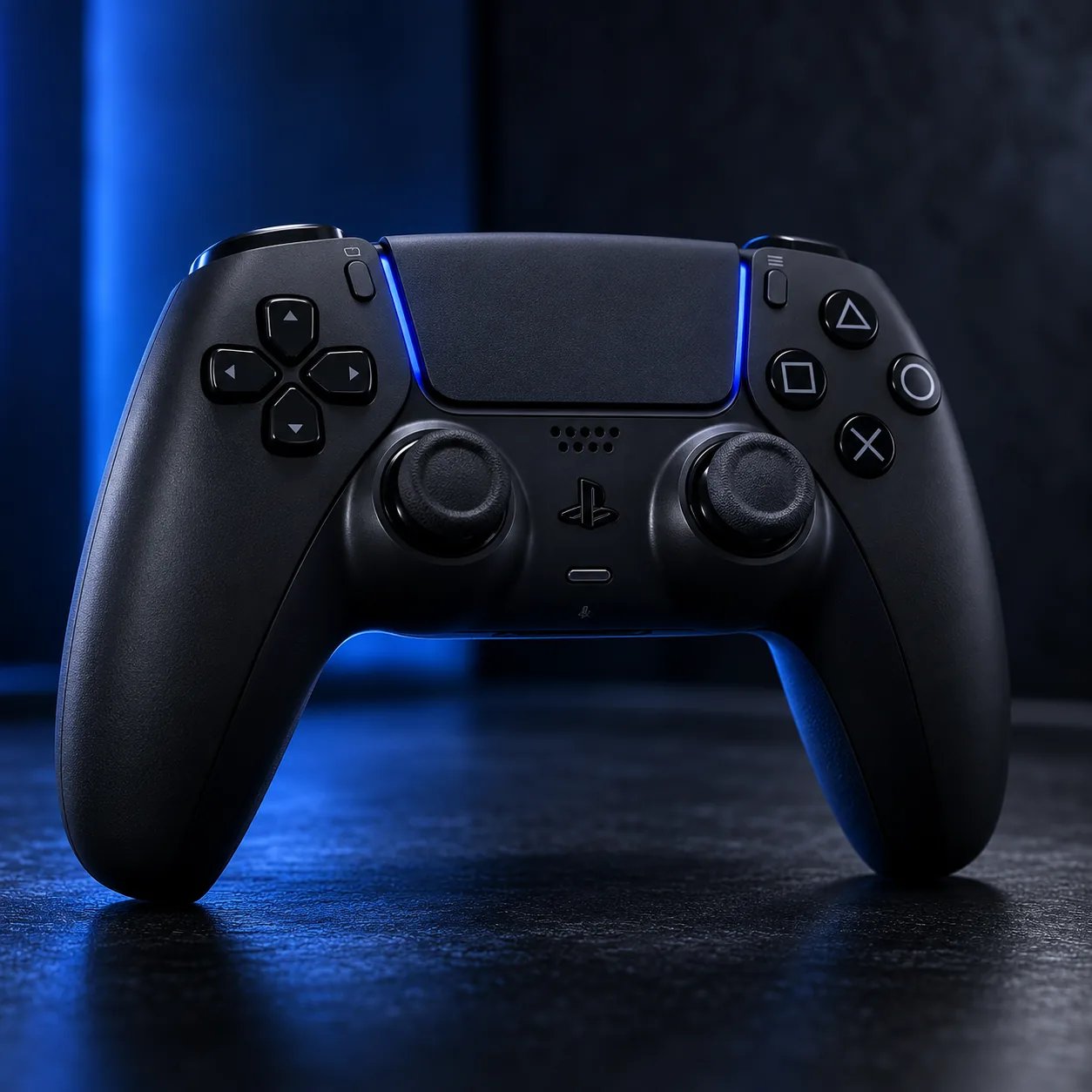
The standard DualSense is the controller every PS5 game is designed around. Haptic feedback and adaptive triggers are supported across the library, and the touchpad, motion controls, and built-in mic all work without setup. Color editions like Midnight Black and Techno Red change nothing about how it plays — they are purely a style choice, which makes a second controller in a different color the easiest way to tell pads apart in a shared household.
DualSense Edge: pay for control, not for power
The Edge does not make games run better — it gives you more control over the controller itself. Swappable stick modules mean a worn stick is a part replacement instead of a whole new controller. Back buttons can be remapped to face-button actions so your thumbs stay on the sticks. Adjustable trigger stops shorten trigger travel for shooters. The honest catches: it costs significantly more than a standard pad, and its battery life is shorter. Buy it if you play ranked or competitive modes regularly, or if you have already replaced a controller because of stick drift.
Skins and grips: the budget upgrade
Silicone skins and thumb grips change two things: how the controller feels in long sessions, and how it looks on your desk. Anti-slip skins help if your hands get sweaty; thumb grips raise stick height slightly, which some players prefer for aiming. They are cheap, reversible, and a good first customization before spending on a pro controller. Check charging-dock compatibility before buying — a thick skin can stop a controller seating properly in some docks.
When a second controller is worth it
- Local multiplayer: split-screen and party games need a second pad — no way around it.
- Backup: a charged spare means a dead battery never ends a session.
- Shared household: two players with different grip or color preferences stop fighting over one pad.
- Not worth it: if you only play solo story games and charge between sessions, spend the money on storage or audio instead.
FAQ
Does the DualSense Edge work on PC?
Yes, it connects to PC, but its headline features are designed around PS5 play. Check the live listing for current PC feature support before buying for PC-only use.
Can stick drift be fixed on a standard DualSense?
Not by the user in the way the Edge allows — the Edge's swappable modules are its answer to drift. For a standard pad, drift usually means repair or replacement.
Do Xbox controllers work on PS5?
No — Xbox controllers are not PS5 controllers. Third-party pads in our catalog that are Xbox and PC only, such as the Razer Wolverine V3 Pro, are marked as such on their product pages.